
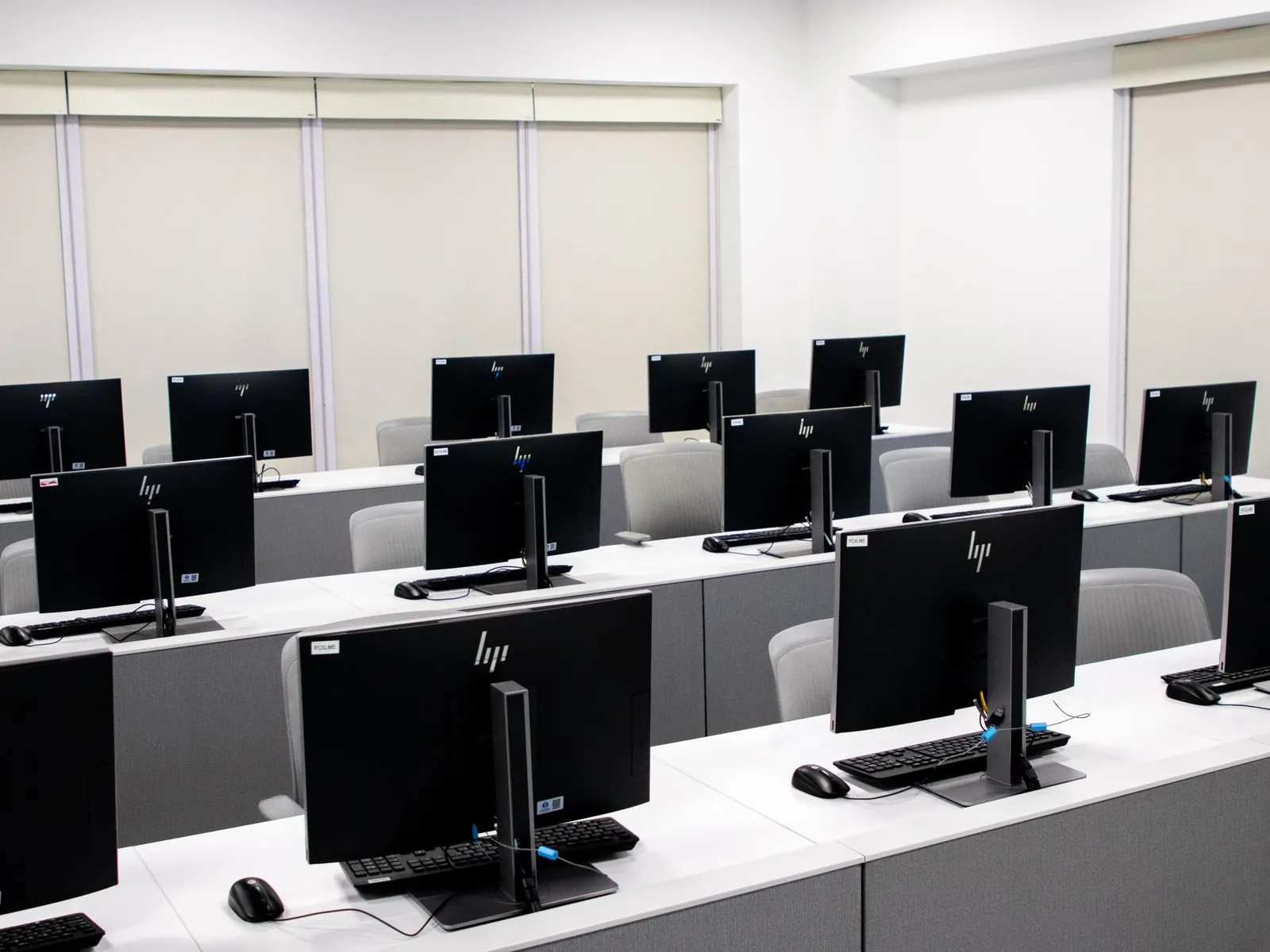
The right computers help employees work smoothly without stretching your technology budget. Start with the tasks your team handles every day, then compare the software, performance, storage, and support each option provides. A computer that suits basic email and documents may not keep up with large spreadsheets, design tools, or frequent video calls. Planning for growth also matters: choose equipment your business can maintain and expand as its needs change.
Start With Daily Work
List the main tasks for each role before looking at specific models. Office work may involve email, web-based tools, documents, spreadsheets, and video meetings. Other employees might use accounting software, point-of-sale systems, design applications, or industry-specific programs. Check each program’s system requirements, including supported operating systems, memory, and storage, so the computer can run the tools your team relies on.
Consider where employees work and what they need to connect. A desk-based worker may benefit from a desktop with a larger monitor, while someone who visits clients may need a laptop with dependable battery life. Check for useful ports, such as USB, HDMI, or Ethernet, and confirm that the device works with existing printers, monitors, docks, and other equipment.
Compare Performance and Multitasking
For everyday business work, prioritize a current processor, sufficient memory, and a solid-state drive. These components affect how quickly a computer starts, opens files, and responds when several applications run at once. A basic configuration can suit one or two light tasks, but staff who keep many browser tabs, spreadsheets, and meeting software open need more memory for smoother multitasking.
Think about the busiest moments in the workday, not just the simplest task. Ask employees which applications they use together and whether they experience slowdowns. If work includes video editing, large data sets, or detailed design, compare computers against the software maker’s recommended specifications. Avoid paying extra for high-end graphics or processing power unless a role’s actual workload calls for it.
Plan Storage and Security
Estimate storage needs by reviewing how much space employees use for documents, photos, project files, and installed applications. A solid-state drive generally offers faster everyday performance than a traditional hard drive. Cloud storage can reduce the need to keep every shared file on each computer, but confirm that the service fits your workflow and that staff can access essential work when connectivity is limited.
Set basic security requirements before purchasing. Choose computers that support your operating system’s current security updates and your business’s preferred sign-in and device-management tools. Plan for automatic updates, strong authentication, encrypted storage where appropriate, and regular backups. A replacement computer is easier to set up when you have a documented process for restoring files, accounts, and essential applications.
Leave Room to Grow
A computer should meet current needs and provide a practical path forward. Check whether memory or storage can be upgraded, whether the model supports the accessories your team may add, and how long the manufacturer provides operating-system and security support. Standardizing on a small number of models can simplify setup, troubleshooting, and replacement, especially when several employees use similar software.
Compare the full cost of ownership, not only the purchase price. Include monitors, docks, warranties, setup, software licenses, and the time required to maintain different models. Ask vendors about repair options and business support, then document the chosen specifications so future purchases remain compatible. Memphis Business Tech can help local businesses compare options against their software and work requirements.
Choose computers by matching specifications to real workloads, checking software compatibility, and planning for security and future changes. A clear list of requirements makes it easier to compare models and avoid unnecessary features. Review your team’s needs before purchasing, and ask a trusted computer provider to help assess the options.